Printer setup
Start with the basics. Get guidance on unpacking your printer, loading paper, installing supplies, and preparing your first test print.
- Initial setup checklist
- Device and connection settings
- First-page checks
INDEPENDENT PRINTER GUIDANCE
From the first connection to the unexpected paper jam, find clear guidance for your printer and your day.
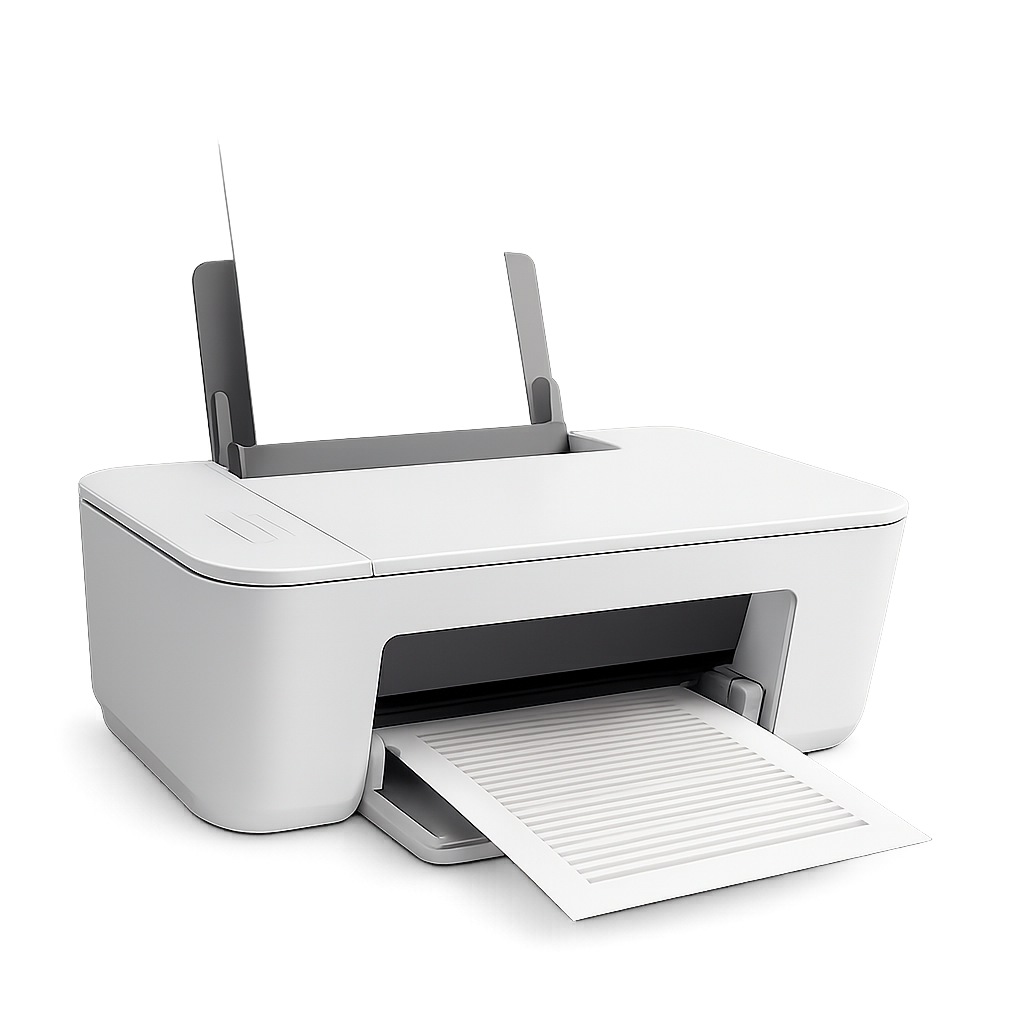
HOW WE CAN HELP
Independent guidance for home printers, shared workspaces, and the devices you use every day.
Start with the basics. Get guidance on unpacking your printer, loading paper, installing supplies, and preparing your first test print.
Connect your printer to your everyday devices with clear guidance for wireless networks and USB connections.
Work through common reasons your printer appears offline and find the settings worth checking first.
Find practical starting points for paper jams, stuck print jobs, and documents that never reach the tray.
Make everyday paperwork easier with guidance for scanner selection, document placement, and basic scan settings.
Understand where to find official printer software and how to review the settings that affect everyday printing.
A LITTLE CONTEXT GOES A LONG WAY
Include your printer model, the device you’re printing from, and what happens when you try. Those details help make your request clearer.
Contact PrintBridgeFind the model name on the front, back, or underside of your printer.
Mention error messages, connection type, and any steps you have already tried.
Use your manufacturer’s official manual for actions that vary by model.
BEFORE YOU GET STARTED
Your printer model, operating system, connection type, and a description of the issue are a good start. Please don’t share passwords or payment information.
No. These services focus on educational setup and troubleshooting guidance. For physical repairs, warranty claims, or model-specific servicing, contact your manufacturer or a qualified repair provider.
Use your printer manufacturer’s official website and select the exact model and operating system. Avoid unfamiliar download sites.
No. PrintBridge is independent and is not affiliated with or endorsed by printer manufacturers. Guidance is general and results depend on your device and the issue.